Setting up your stand
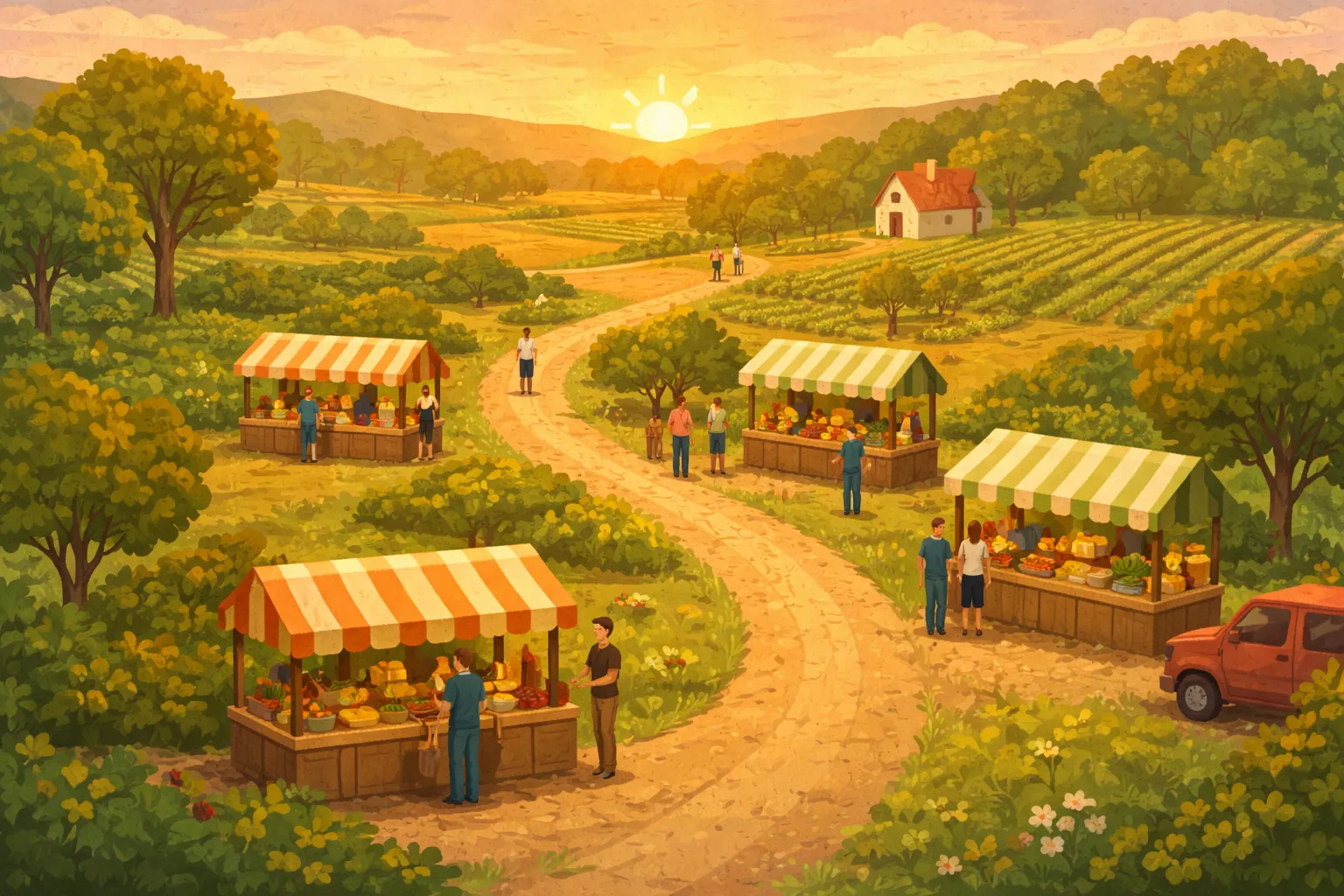
When you sign up, you'll walk through a simple registration that asks for your business name, email, and basic details. Then you'll set up your first stand — give it a name, mark its location on the map, set your operating hours, and upload a photo. You can add your products with prices, descriptions, and images. Finally, connect the payment methods you already use (Venmo, PayPal, Cash App, Zelle, Apple Cash, or cash) so customers know how to pay you.
You can manage multiple stands from a single vendor account. Each stand gets its own page, its own QR code, and its own set of products. Update your information anytime from your vendor dashboard.
How customers discover you
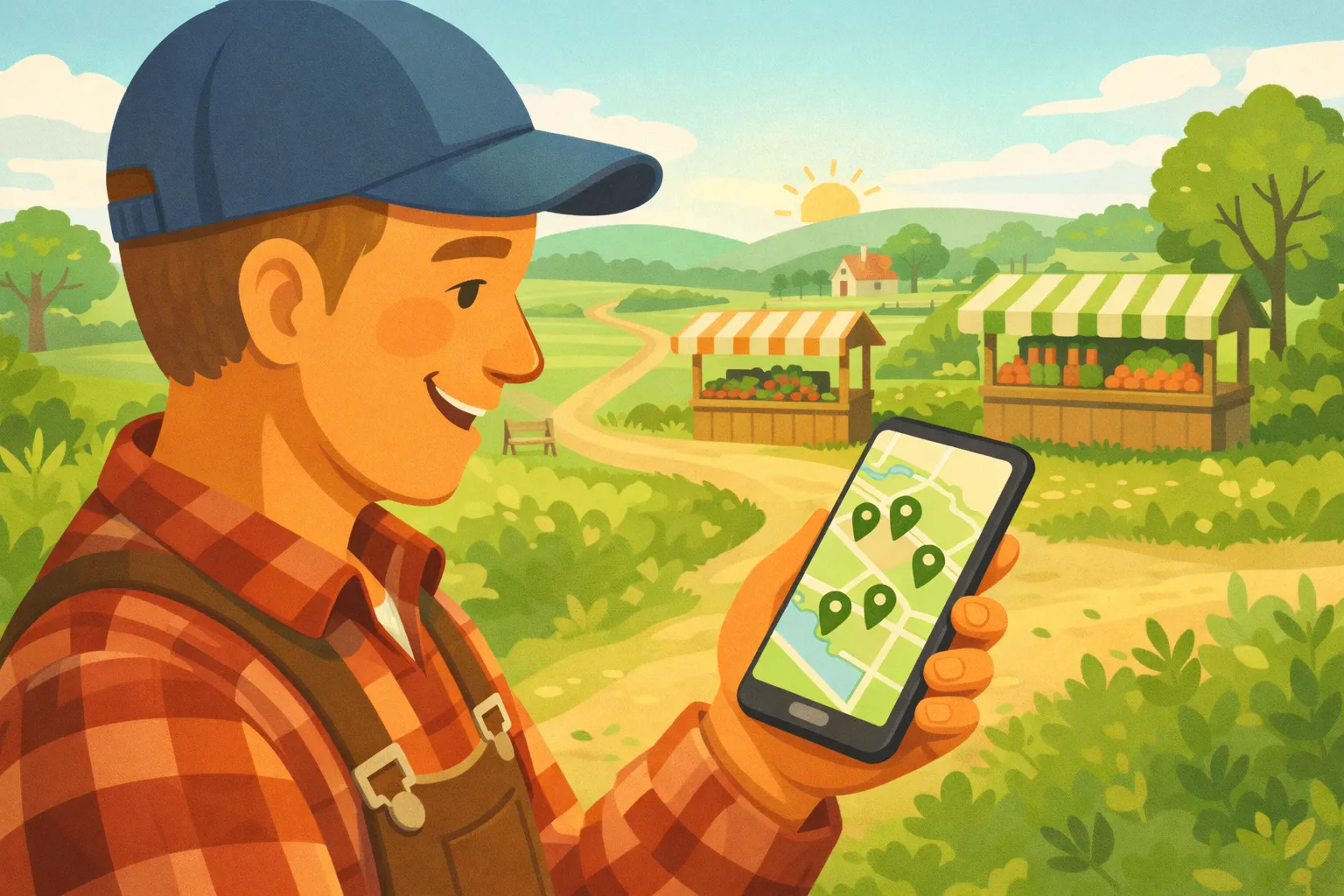
FreshStops shows your stand on an interactive map and in search results. Customers can filter by category (produce, honey, maple syrup, eggs, firewood, and more), search by keyword, or simply browse what's nearby. Your stand's page shows your products, photos, reviews, and payment options.
We also list local events like farmers markets and festivals. If you participate in these events, your stand can be linked to them so customers planning to attend can find you ahead of time.
The QR code experience
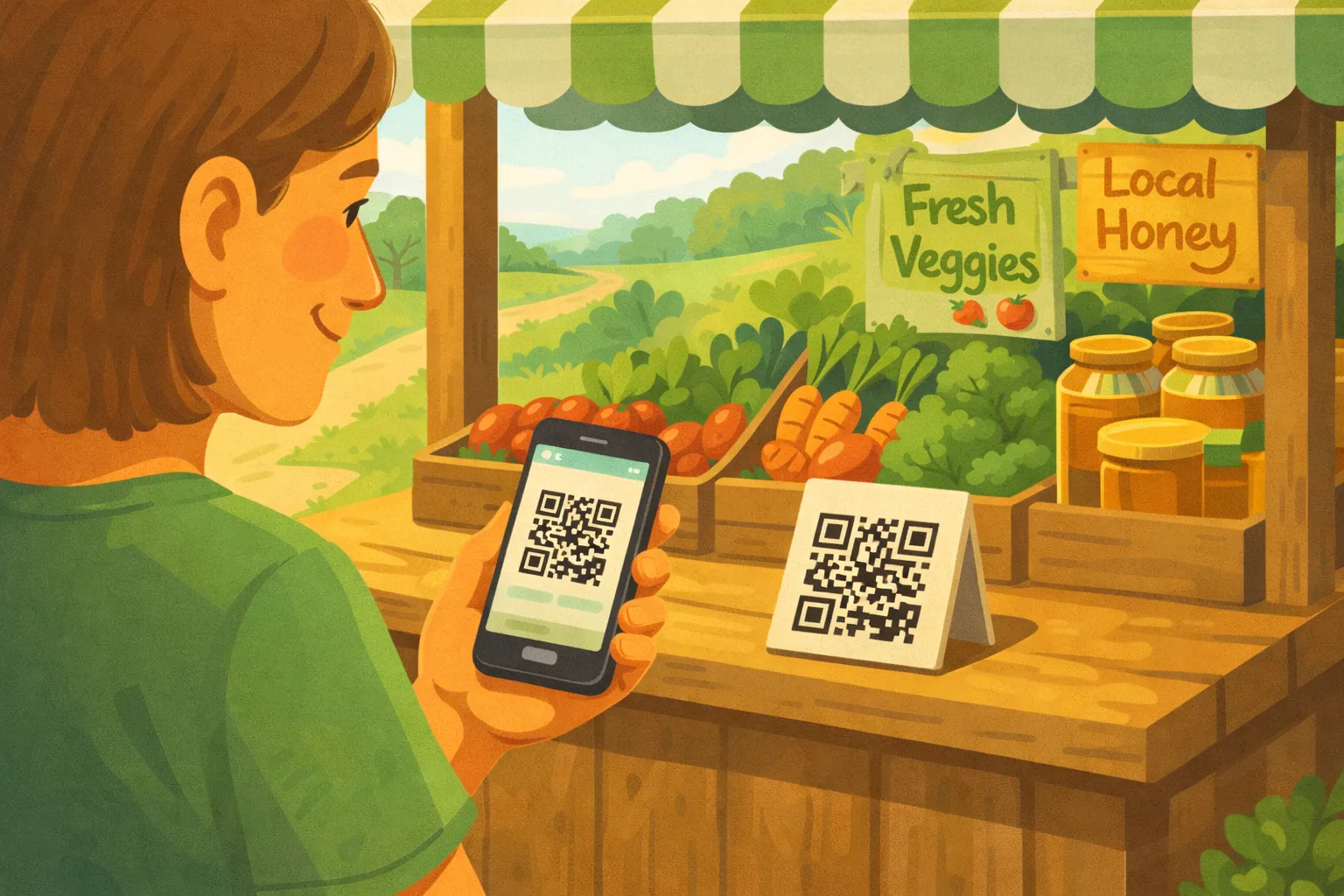
Every stand on FreshStops gets a unique QR code that you can print and display at your stand. When a customer scans it, they see your full product list with prices and can add items to a cart on their phone. This is especially useful for honor-system stands where customers shop on their own — they can see exactly what everything costs and pay digitally without needing to find exact change.
You can download and print your QR code from your vendor dashboard. We recommend placing it somewhere visible at your stand — on a sign, on your table, or next to your products.
Getting paid
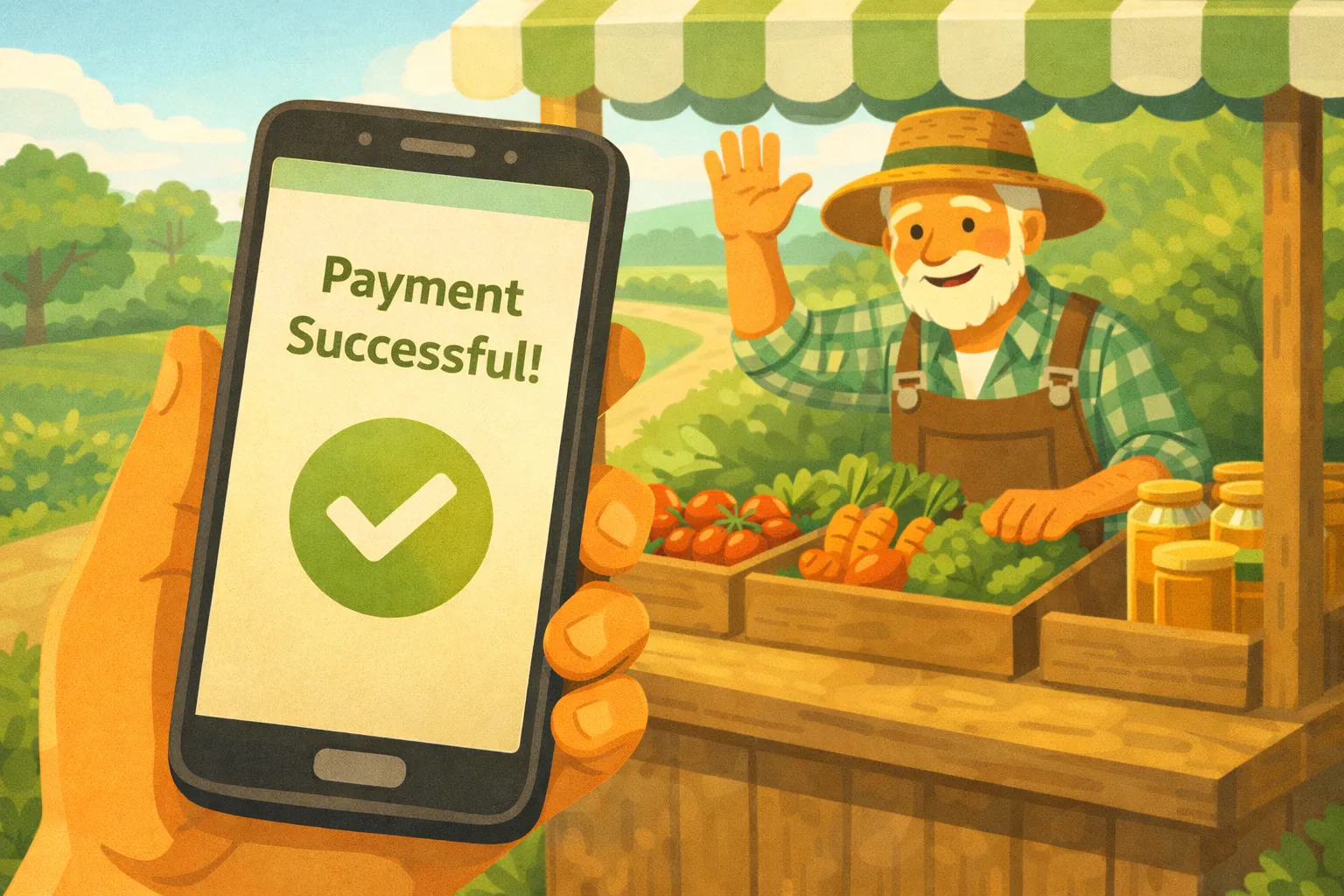
FreshStops never touches your money. When a customer is ready to pay, they choose from the payment methods you've set up. For digital payments, we open the payment app directly so they can send you money. For cash, they simply leave it at your stand. The payment goes straight from the customer to you — no processing fees, no delays, no middleman.
We display your payment handles (like your Venmo username) at checkout so customers can find you easily in their payment app.
Building your reputation
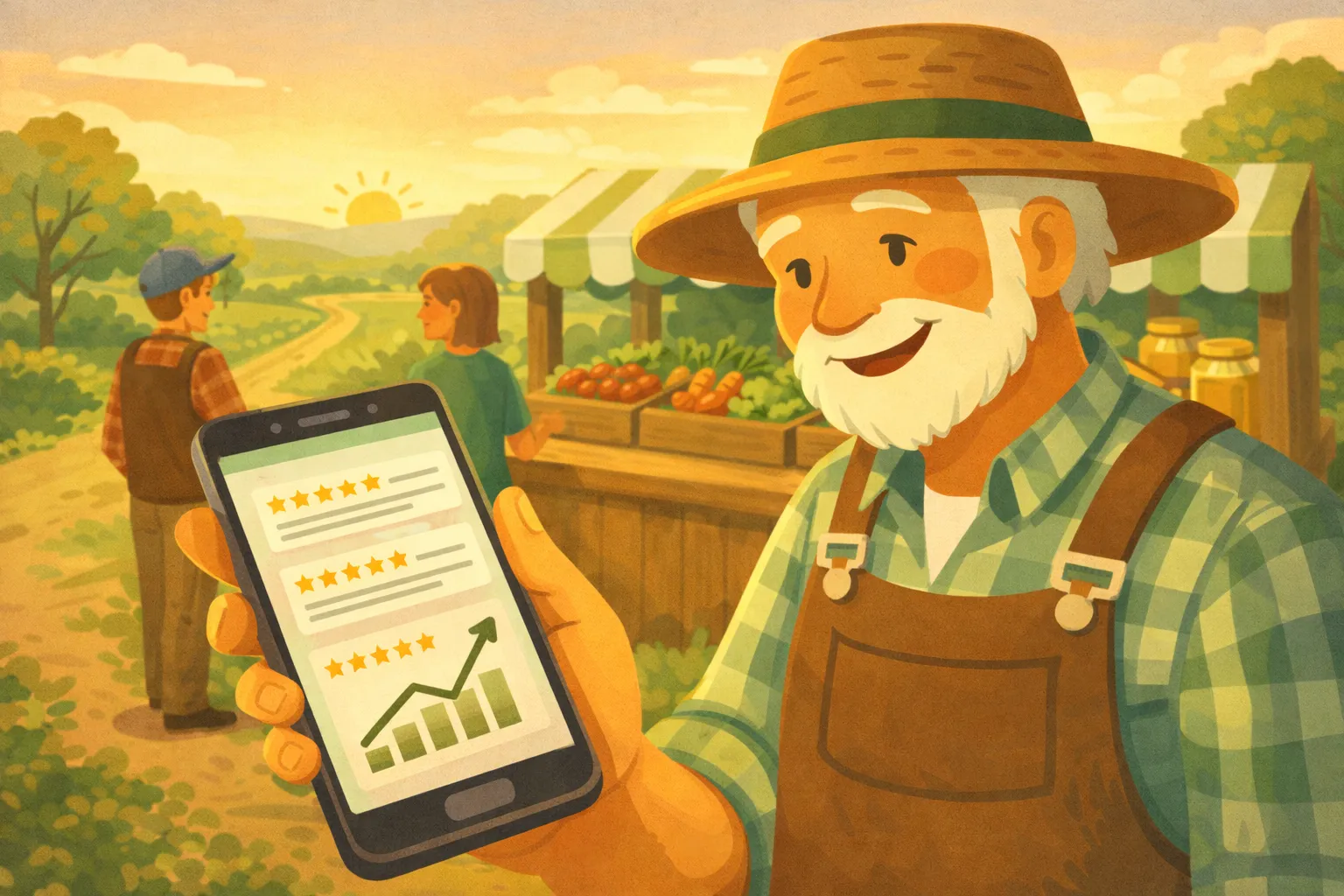
After a purchase, customers can leave reviews and ratings for your stand. Positive reviews help other customers feel confident about visiting. Customers can also favorite your stand, set up alerts to be notified when you restock, and save you to their personal collections.
After completing a purchase, customers see a share screen where they can tell friends about your stand. Word of mouth is powerful, and FreshStops makes it easy for happy customers to spread the word.
Seasonal flexibility
Many roadside stands are seasonal. When it's time to close up for the winter, just toggle the "Closed for Season" setting in your dashboard. Your stand stays listed so customers can find you again next season, but it's clearly marked as closed. When you're ready to open back up, toggle it off and you're back in business.
Ready to reach more customers?
Create Your Free Listing